You'll spend more hours with your hand on a mouse than on almost any other piece of gear you own. That's why a good one is one of the cheapest upgrades you can make, and why the Logitech MX Master 4 keeps appearing at the top of independent "best mouse" lists for office work.

What's new over the MX Master 3S
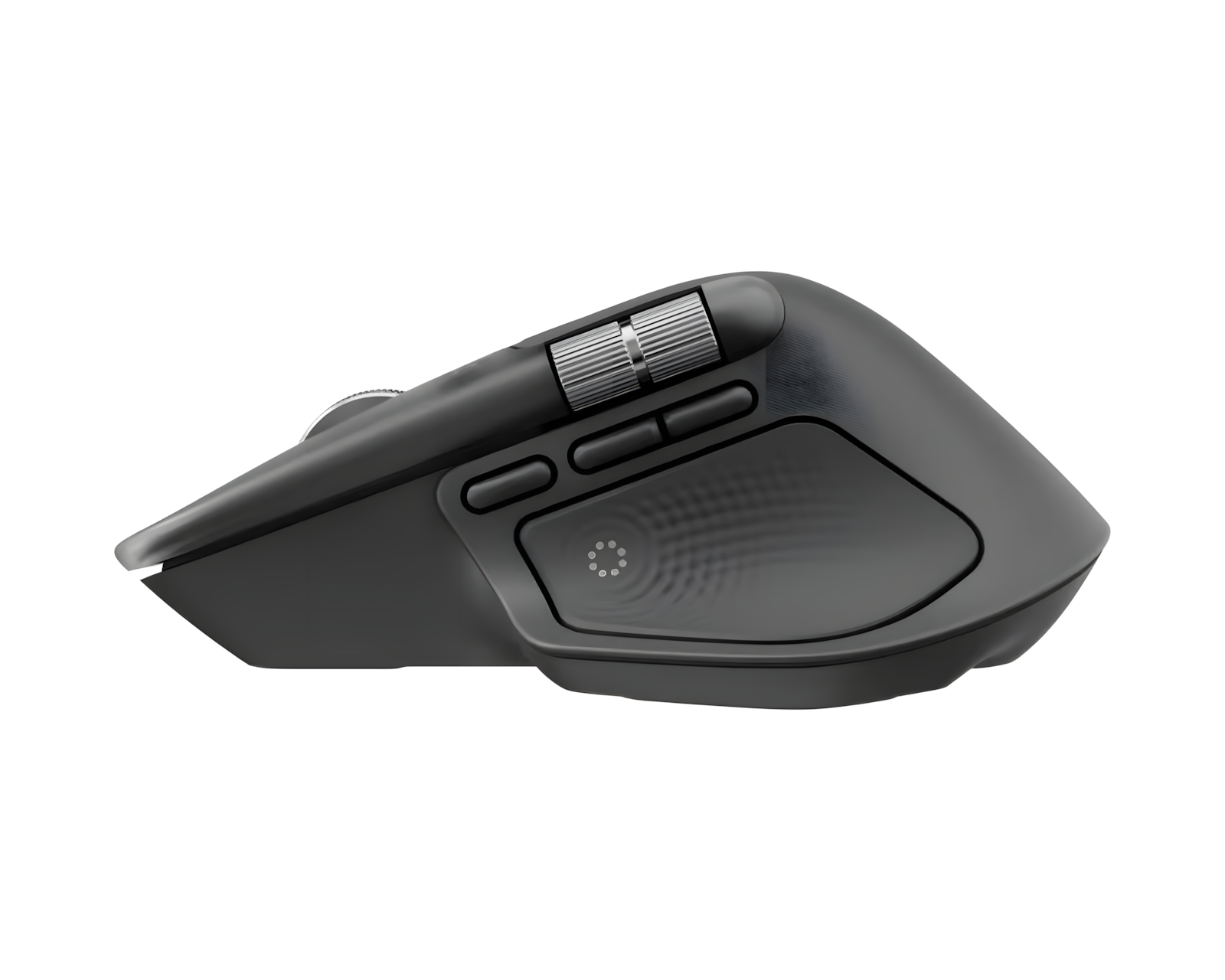
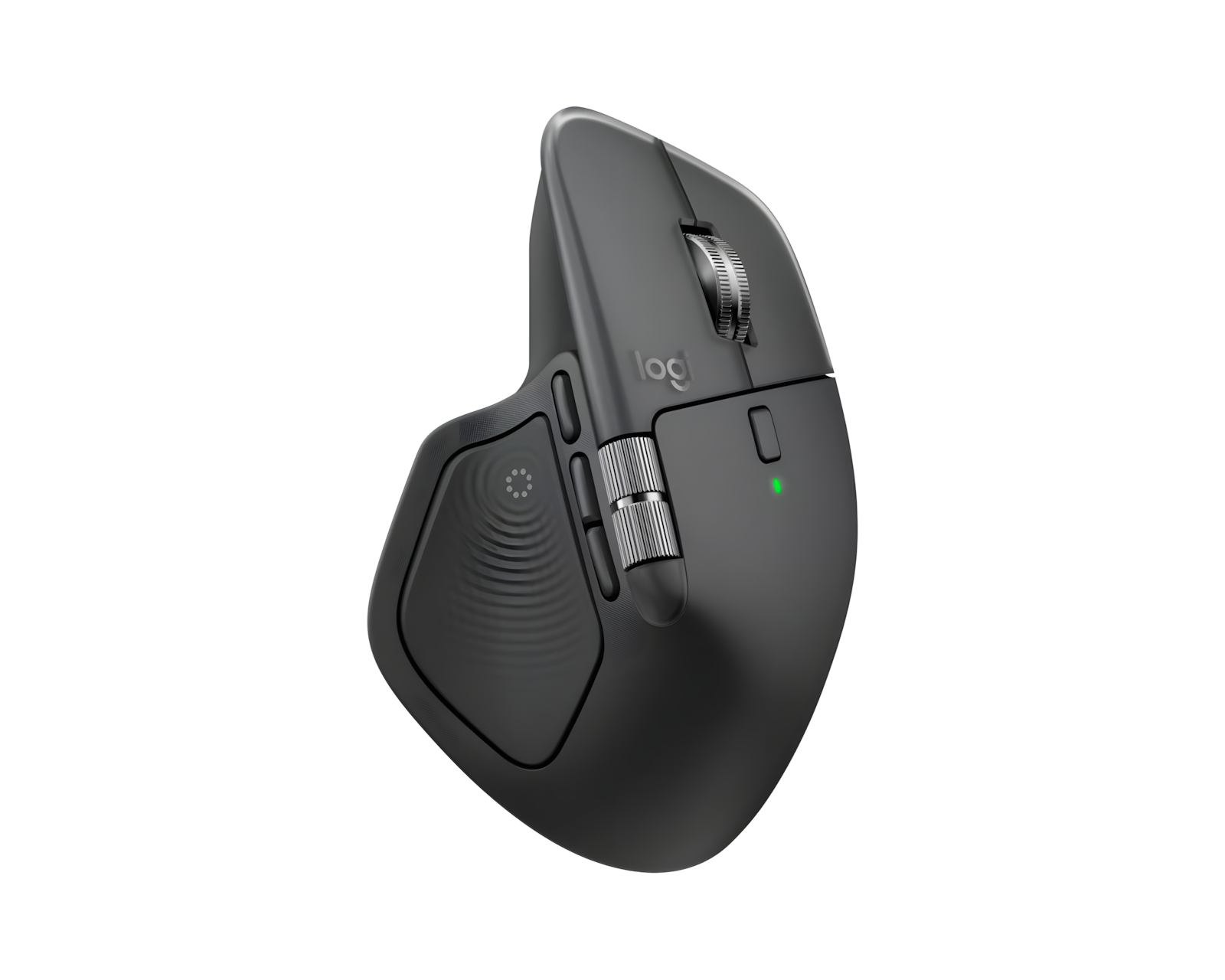
The MX Master 4 is the successor to the 3S, with slightly larger click buttons and a bigger palm rest. It adds a gesture button on the side and a haptic button on the thumb rest that you can customize in Logitech's software, including shortcuts that change by app.


What stood out
-
01
Two aluminum scroll wheelsThe main wheel switches between precise notched steps and fast free-scroll, either automatically or when you choose. That helps with long documents and spreadsheets.
-
02
Quiet clicksReviewers single out the left and right buttons as very quiet, which matters in shared offices and on calls.
-
03
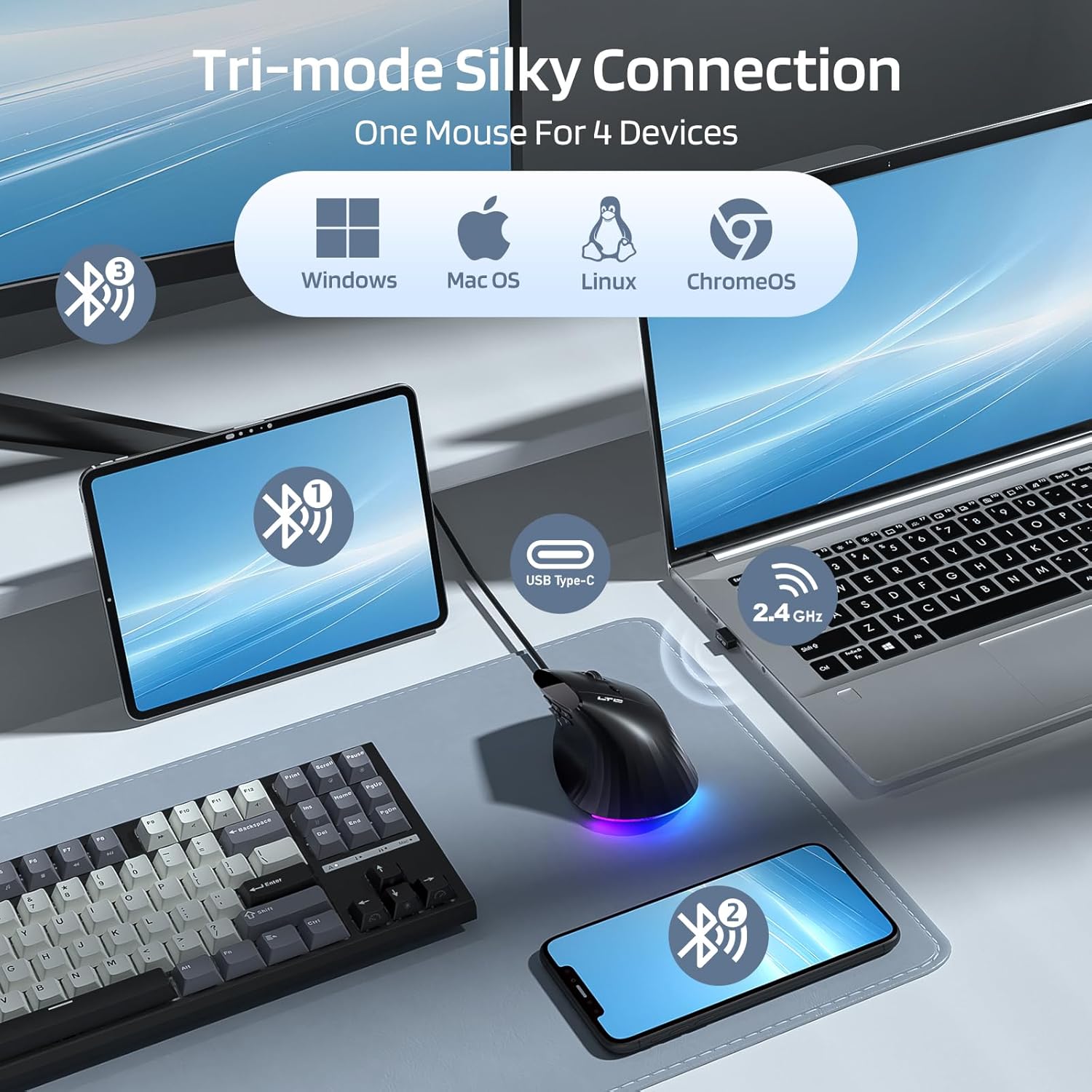
Three devices at onceConnect with the included USB-C receiver or over Bluetooth, and pair up to three devices, such as laptop, tablet and desktop.
-
04
Built for a full working dayIndependent testing describes premium construction and a comfortable shape for long sessions.
Who should think twice
It has a right-handed shape that suits medium to large hands better than small ones. The gesture and haptic features need Logitech's software running in the background, and it has no onboard memory, so custom settings depend on that software. It isn't meant for competitive gaming either. For office work, none of these is likely to bother you.

The verdict
For anyone who works at a computer most of the day, the MX Master 4 is a small purchase that pays back in comfort and speed. If you'd rather spend less, the previous MX Master 3S is a strong alternative. Check the listing for today's price, since it changes.
Check current price on Amazon